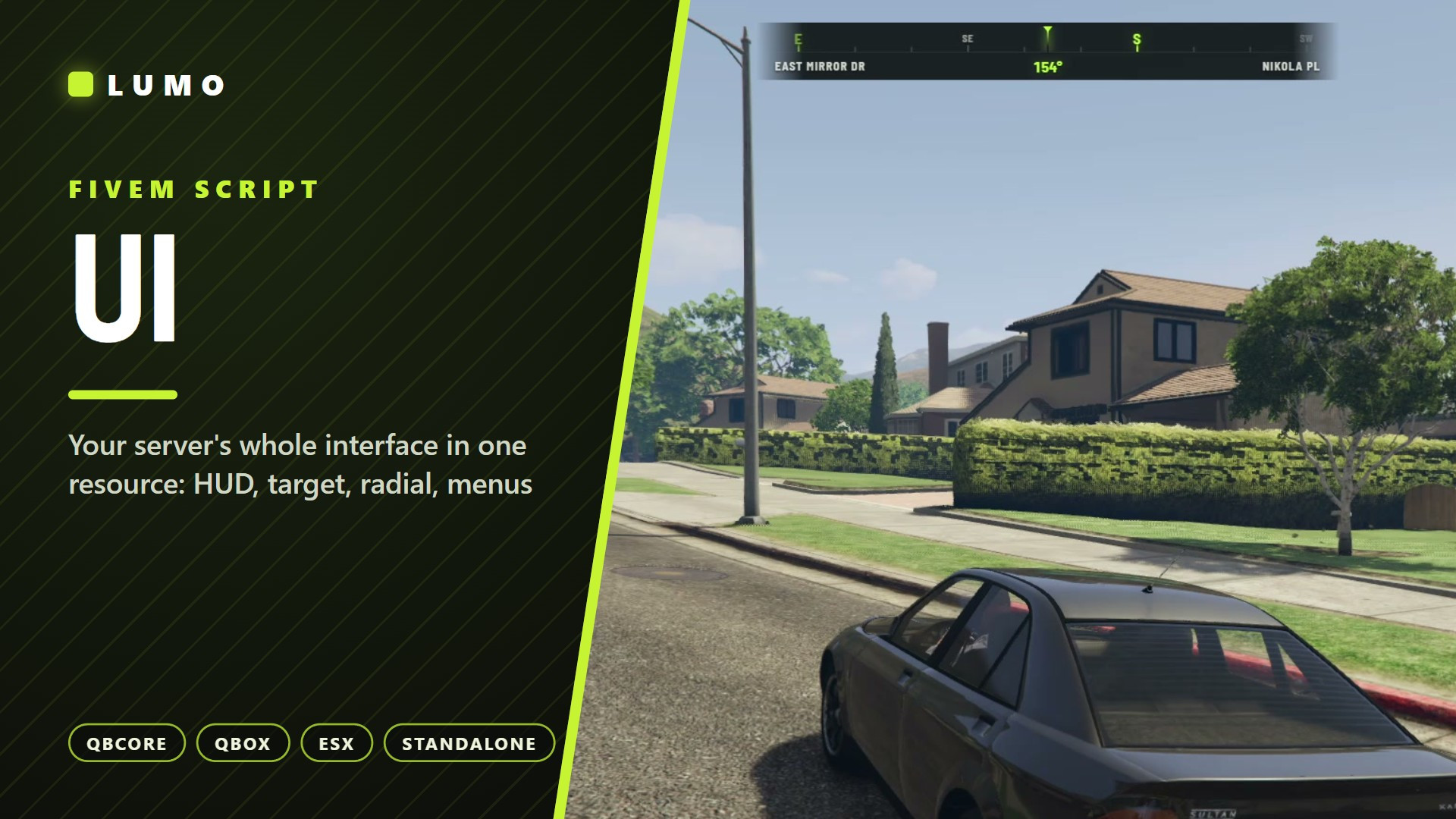
LUMO UI — HUD & INTERFACE SUITE
Replace six resources with one. Lumo UI draws every piece of your interface from a
single light React page, so it all matches and nothing fights over focus.
▶ Watch the preview: [VIDEO_LINK]
HUD
• Health, armour, hunger, thirst, stress, oxygen, voice, buffs
• Vehicle panel: speed, gear, fuel, seatbelt, cruise, harness, nitrous, engine
• Aircraft panel, compass, street and zone names, crosshair
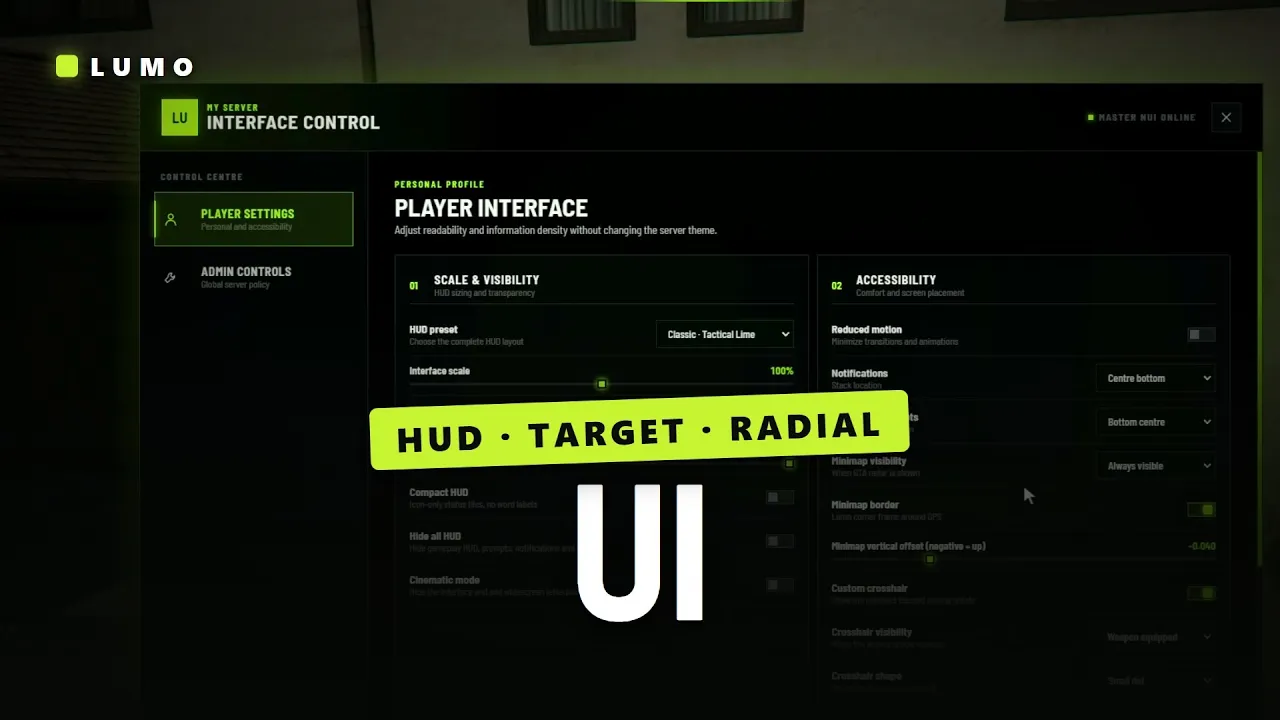
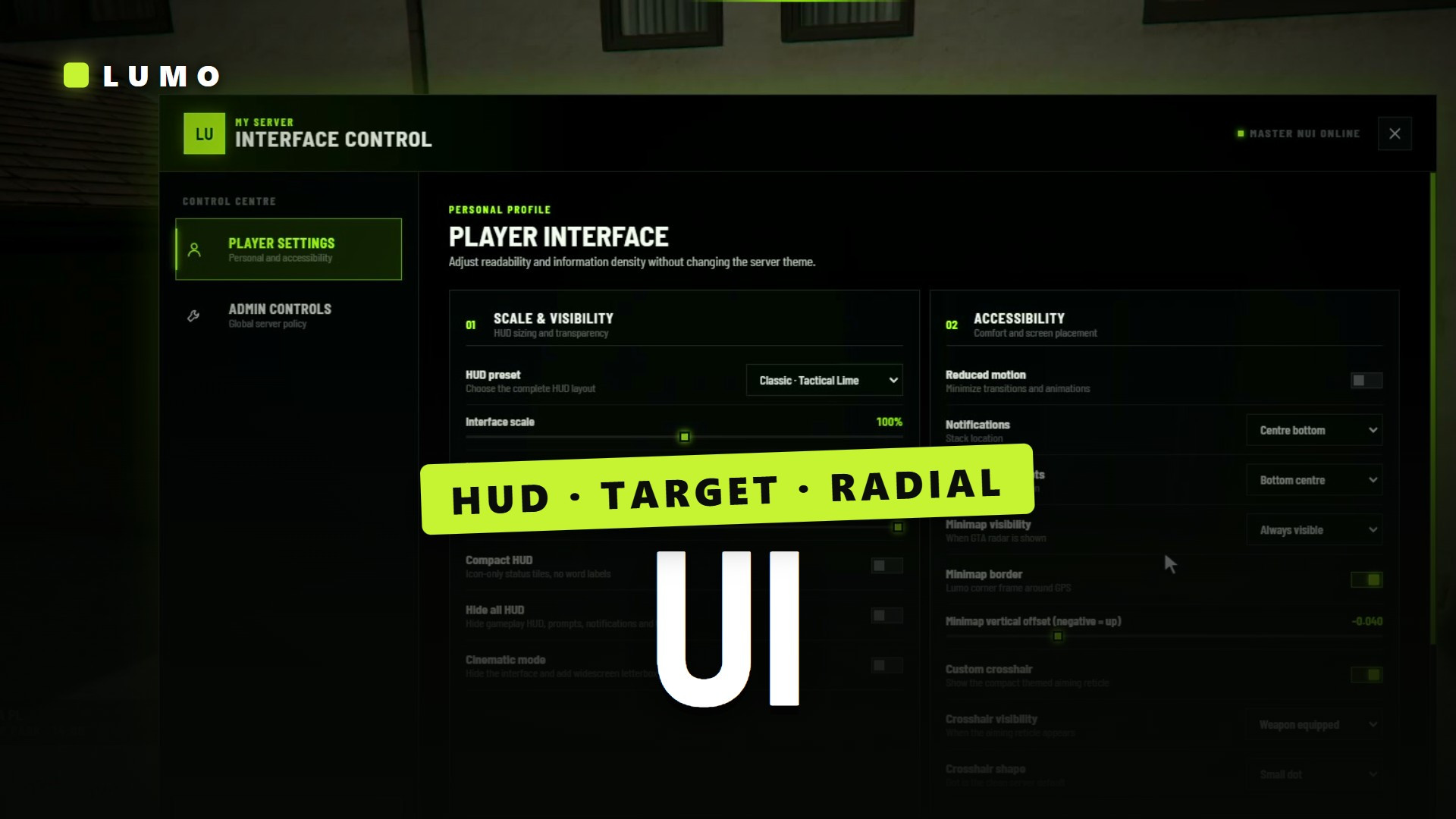
• Square or circle minimap; players drag every panel in the layout editor
• Two looks in one: Classic and Circle, picked per player in /ui
INTERACTION
• Target eye: box, circle, polygon, entity and combo zones (no PolyZone), models,
  entities, vehicle bones, global peds/vehicles/objects/players, job/gang/item gates
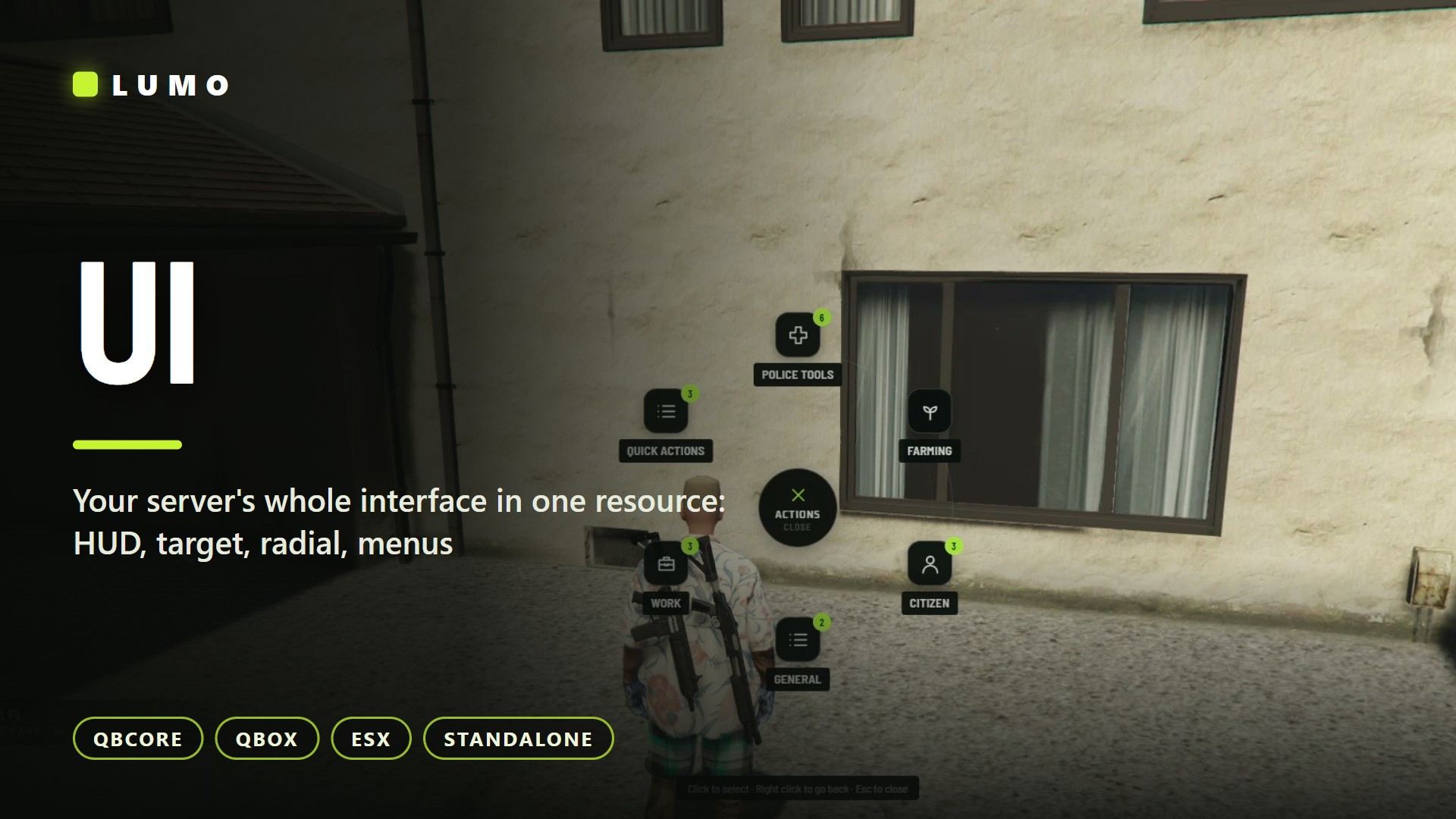
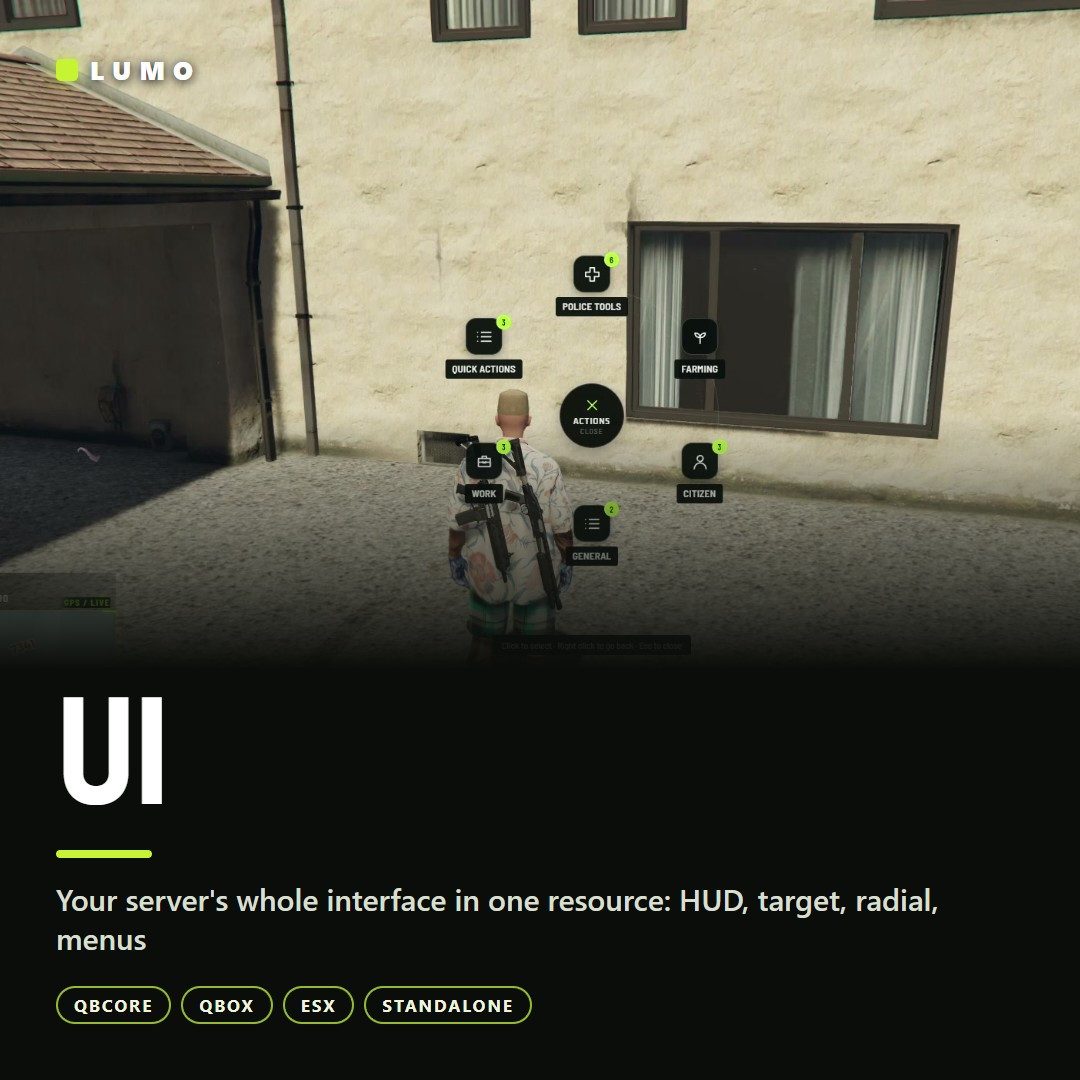
• Radial menu: config items, job items on duty, a seated vehicle menu,
  items from other scripts, a downed-only mode
• Context menu with item images, input dialog (text, number, select, radio,
  checkbox, colour, date), progress bar with animations and props
• Lumo Interact included: walk-up "press E / hold G" prompts on coords,
  entities and every prop of a model, with one export call instead of a DrawText loop
EXTRAS
• Notifications with per-type colours and stacking limits
• Timers, minigame bars, key hints, a noise meter: all exports for your own scripts
DROP-IN
• Shims named qb-target (also qtarget), qb-menu, qb-input, qb-radialmenu,
  progressbar, esx_notify, esx_progressbar and esx_textui keep your existing scripts working with no edits
• Admin /ui tab: server name, accent colours, notification limits, live for everyone
• Other Lumo scripts (Inventory, Emotes, Admin Menu) follow its look automatically
FRAMEWORKS
QBCore · Qbox · ESX Legacy · Standalone, detected automatically.

oxmysql. Step-by-step install guide for QBCore, Qbox and ESX, API reference
and migration guide included.
EDITIONS
• Escrow ($14.99): config and framework bridge open; Lumo Interact open in both
• Open Source ($27.99): all Lua and the React/TypeScript source

 Join our Discord